
Laboratory Sample Inventory Management System: Sample Tracking Guide
Quick answer: A laboratory sample inventory management system helps a laboratory know what samples it has, where each sample is stored, how much is available, and what happened to it over time. For pathology labs, diagnostic centres and research laboratories, the useful system connects sample identity, storage, movement, quantity and history instead of keeping these details in separate spreadsheets.
If you manage laboratory samples, this guide is for you. It focuses on practical sample storage and tracking problems, including aliquots, transfers, barcode scanning, retrieval and the questions worth asking during a software demo.
That sounds straightforward until samples are split into aliquots, moved between storage locations, used for testing, transferred to another department or retained for future work.
At that point, a spreadsheet becomes difficult to trust.
A proper sample inventory system connects sample identity, quantity, storage location, movement and history in one workflow.
What does a laboratory sample inventory management system actually manage?
Short answer: It manages the sample record and the information needed to find, use and trace that sample, such as identity, type, status, quantity, storage location, movement and history.
- Sample identity and type
- Current storage location
- Available or remaining quantity
- Sample status and availability
- Aliquot or parent-child relationships
- Transfers and movement history
- Relevant test, patient or experiment information
Think beyond a list of sample names.
A laboratory inventory record may need to contain the sample identifier, type, status, location, quantity, related tests or experiments, storage information and history of changes.
The exact fields depend on the laboratory.
A research laboratory might manage cell lines, DNA, RNA, proteins and biological specimens. A pathology laboratory has a different workflow and needs sample information connected with patient and testing processes.
Modern laboratory inventory platforms reflect this difference. LabKey, for example, describes inventory management across samples, reagents and consumables, with tracking from receipt and registration through storage, aliquoting, assays and shipping.
For a pathology operation, the inventory function becomes more useful when it sits inside a broader pathology laboratory management system. This is especially relevant when sample inventory needs to connect with patient registration, accessioning, testing and reporting.
Why isn’t a spreadsheet enough?
Short answer: A spreadsheet can work for a small, stable inventory, but it becomes harder to trust when samples move, split, get consumed or change storage locations. The right choice depends on the complexity of your laboratory workflow.
A spreadsheet can tell you that a sample exists.
The difficult question is whether the spreadsheet still reflects reality.
Imagine that a sample was originally placed in Freezer A, Rack 3, Box 7. Later, part of it was transferred to another container. Another portion was consumed during testing. Someone then moved the remaining material.
If only the original spreadsheet entry was updated, the record may no longer represent the physical inventory.
Dedicated laboratory inventory systems are designed around this problem. LabKey describes storage tracking down to freezers, storage rooms, racks and shelves, while Labguru describes physical location tracking for samples and supplies.
The real objective is not simply to digitise the spreadsheet.
It is to make the digital inventory match the physical laboratory.
Can your team find a sample without asking the person who stored it?
Short answer: A good inventory workflow should let an authorised user search for a sample and see its current storage location without relying on the memory of the person who stored it.
This is one of the best tests for sample inventory software.
Suppose someone asks for a particular sample six months after it was stored.
The software should help an authorised user work from the sample identifier to its current storage location.
That location might be represented as:
Building → Room → Freezer → Rack → Box → Position
The exact hierarchy depends on the laboratory, but the concept matters.
CDD Vault, for example, describes nested locations including buildings, rooms, freezers and racks, with samples assigned to specific storage positions.
Labguru similarly allows samples and supplies to be assigned to physical locations and supports location-based inventory management.
During a software demo, don’t ask the vendor to show you a dashboard.
Give them a sample ID and ask them to locate it.
Sample quantity matters just as much as sample location
Short answer: Location tells you where the sample is; quantity tells you whether there is still enough material to use. An inventory system should make both visible.
Knowing where a sample is stored does not tell you whether it is still available.
A sample may have been partially consumed. It may have been divided into aliquots. It may have been reserved for another workflow.
That is why useful inventory software records more than location.
LabKey describes inventory tracking that includes remaining quantity and usage, while Labguru provides quantity tracking for supplies and sample-related inventory.
For a laboratory evaluating software, ask a very specific question:
“If I use part of this sample, how does the system record the remaining quantity?”
Then ask what happens when the sample is divided.
Aliquots create a second inventory problem
Short answer: When a sample is divided, the system should preserve the relationship between the original sample and its aliquots so staff can trace where each portion came from and where it is now.
Aliquoting changes the relationship between the original sample and the material created from it.
If the parent sample produces several aliquots, the laboratory needs a way to understand those relationships.
LabKey describes sample lifecycle tracking that includes aliquoting and sample lineage. CDD Vault also describes parent-child relationships between samples and batches.
This is particularly useful when the laboratory needs to answer:
Which aliquot came from this original sample?
And the reverse:
Which original sample is this aliquot associated with?
If the answer requires searching several spreadsheets, the inventory model needs improvement.
Practical example: Suppose one original specimen is divided into three aliquots for different tests. During a software demo, check whether the system can show the relationship between the original specimen and each aliquot, including where each aliquot is stored and whether any quantity has been consumed.
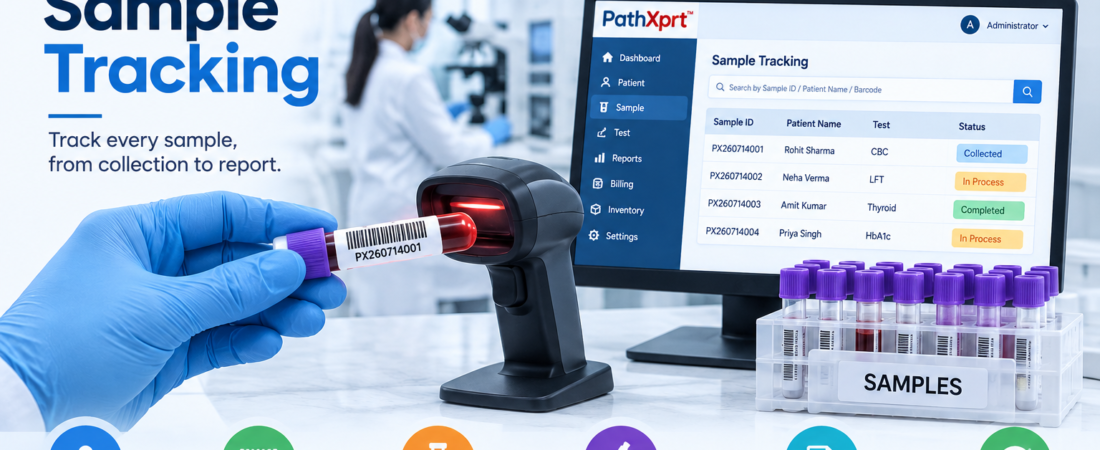
Barcode and QR codes should update inventory, not just identify samples
Short answer: Barcode or QR scanning is most useful when a scan can open the correct sample record and support the next inventory action, such as confirming a location, recording a movement or updating quantity.
Barcode and QR-code labels are useful because they reduce manual identification and make physical inventory easier to connect with digital records.
Labguru supports QR-code and barcode labels for inventory identification, while other laboratory inventory systems use barcode scanning as part of sample movement and storage workflows.
But barcode support by itself is not enough.
Ask the vendor to demonstrate this workflow:
Scan sample → open record → confirm location → record movement → update quantity/status.
If the scan only opens a static record, you are getting identification—not full inventory control.
What happens when samples move?
Short answer: Every meaningful transfer should update the sample’s current location and, where appropriate, its movement history so the digital record stays aligned with the physical laboratory.
Laboratory inventory changes constantly.
A sample may move from a processing area into storage. It may be checked out for testing and returned later. It may move to another freezer or department.
Every meaningful movement should update the inventory record.
Some systems also maintain an audit history of those changes. LabKey describes a complete audit log for inventory activity and chain-of-custody information for samples.
That history becomes valuable when the physical location and the database do not match.
Instead of asking, “Who changed this?” and checking emails or paper notes, the team can investigate the recorded inventory event.
Should the system track reagents and consumables too?
This depends on what you want the software to manage.
A sample inventory system focused only on specimens is different from a complete laboratory inventory platform.
Some products deliberately combine samples with reagents, consumables and other laboratory resources.
Labguru includes samples and supplies in its inventory platform and supports low-stock and expiration notifications. Benchling also positions Inventory as a way to manage samples, reagents, consumables and stockroom items alongside its broader platform.
For a pathology lab, this distinction matters.
If your main problem is patient specimen tracking, you need a workflow built around samples and laboratory testing. If you also want purchasing, reagent stock and consumable management, evaluate those functions separately during the demo.
lab sample management software for pathology laboratories
What about expired materials and low stock?
Inventory management becomes useful when it helps the laboratory act before a problem appears.
For reagent and consumable inventory, that might mean tracking expiry dates, current quantities and replenishment requirements.
Labguru describes notifications for low stock and expired materials. LabKey also describes tracking expiration dates, storage capacity, remaining quantity and usage.
Sample inventory is different from consumable inventory, though.
Don’t force the two into the same workflow just because a vendor calls both “inventory.”
A patient specimen has a clinical identity and testing context. A reagent has a supplier, lot and expiry context. Your software should preserve those differences.
How does sample inventory connect with a LIMS?
This is where buyers need to slow down.
A standalone inventory application might be enough for a research team that primarily needs to manage stored materials.
A diagnostic or pathology laboratory may need sample inventory to connect with patient registration, test orders, accessioning, processing and reporting.
Stanford Biobank’s sample management environment, for example, combines inventory and laboratory workflow capabilities covering accessioning, processing and storage, with integrations including REDCap, EPIC, printers and scanners.
Benchling similarly describes Inventory as one part of a broader LIMS platform that includes other laboratory applications.
For Pathology labs, I would therefore evaluate the complete workflow rather than buying inventory software in isolation.
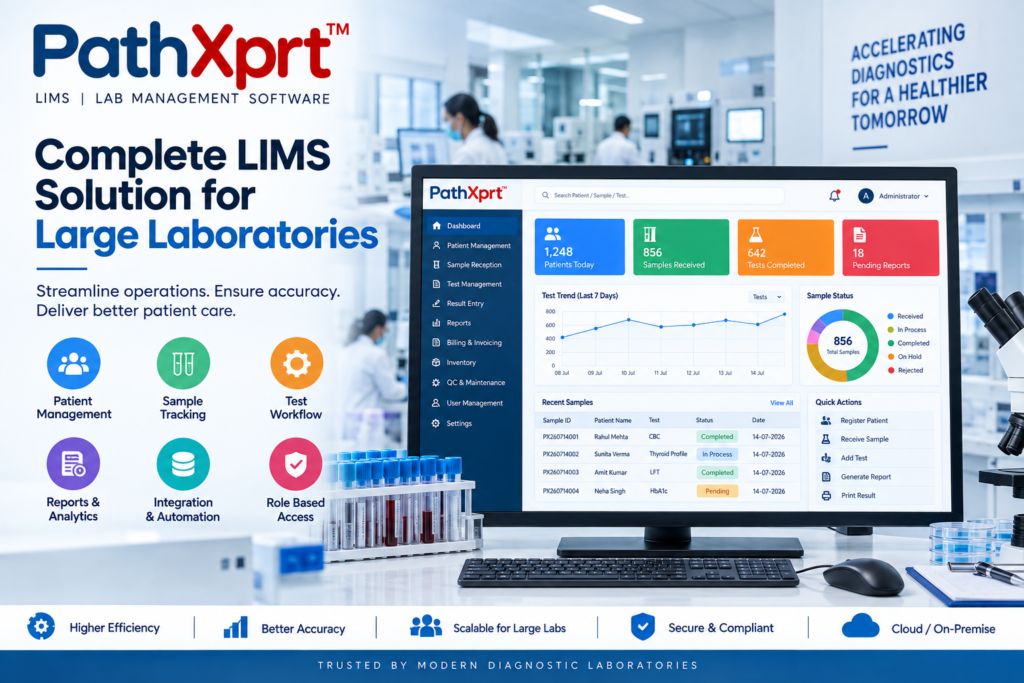
Explore PathXprt LIMS if you are looking for laboratory software where sample-related workflows can be considered as part of the broader lab operation.
What should you test before buying laboratory sample inventory software?
Short answer: Test the system with one realistic sample journey instead of comparing feature counts. Your demo should cover registration, storage, quantity, aliquots, movement, search and history.
- Registration: Can the system capture the sample identity and required metadata?
- Storage: Can it represent your real freezer, rack, box and position structure?
- Quantity: Can staff record remaining quantity after use?
- Aliquots: Can child samples remain linked to the parent?
- Movement: Can a transfer update the current location?
- Search: Can staff quickly locate a sample by ID, barcode or relevant metadata?
- History: Can authorised users see important changes and movement history?
- Integration: Can inventory connect with the LIMS or other systems where required?
Don’t start by comparing feature counts.
Give every vendor the same real-world scenario.
Sample registration
Can the system create or capture the required sample identity and metadata?
Physical storage
Can you represent your actual freezer, rack, shelf, box and sample position?
Quantity
Can the system record remaining quantity after use?
Aliquots
Can child samples remain linked to their parent sample?
Movement
Can staff record transfers between storage locations?
Availability
Can users distinguish available, consumed, reserved, transferred or otherwise unavailable inventory?
History
Can authorised users see who changed the record and what changed?
Search
Can staff locate a sample by ID, barcode, type, location or other relevant metadata?
Integration
Does inventory information connect with the LIMS, ELN, instruments or reporting workflow where required?
Who does not need a dedicated sample inventory system?
Not every laboratory needs another application.
If your existing LIMS already gives your team accurate sample locations, quantities, movements, aliquot relationships and history, adding another inventory database could create duplicate records.
The same applies to a small laboratory with a limited inventory and a controlled manual process that already works reliably.
The software should remove a real problem.
Where does PathXprt fit?
Key takeaway: PathXprt is positioned as broader laboratory management software, so a pathology lab should evaluate sample inventory as part of its overall laboratory workflow rather than as an isolated spreadsheet replacement.
PathXprt is positioned around laboratory management rather than being presented simply as a freezer inventory database.
For a pathology laboratory evaluating software, that distinction matters.
The better question is not simply “Can this software store sample locations?”
Ask whether the sample record can remain connected to the wider laboratory workflow.
PathXprt can be evaluated as part of that broader LIMS workflow when your requirement extends beyond a basic inventory spreadsheet.
How should you evaluate the system in a live demo?
Short answer: Give every vendor the same real sample scenario and ask them to show the complete journey from registration to storage and retrieval. Then introduce a transfer, an aliquot and a quantity change.
- Register one sample using your normal workflow.
- Assign it to the storage location your lab actually uses.
- Create an aliquot or secondary sample if your workflow requires one.
- Move the sample or aliquot to another location.
- Consume part of the available quantity.
- Search for the original sample and review its history.
Bring one real sample workflow.
Show the vendor how your laboratory receives the sample, identifies it, processes it, stores it and retrieves it later.
Then make the scenario harder.
Split the sample.
Move an aliquot.
Consume part of the inventory.
Search for the original record.
Check the history.
That demonstration will tell you more than a long feature presentation.
A good laboratory sample inventory management system should make the digital record reflect the physical inventory closely enough that your team trusts it during normal work—not just during a software demo.
Next step: map one sample from accessioning to storage, including every transfer and quantity change, and ask each vendor to reproduce that workflow live.
Laboratory Sample Inventory Management System: FAQs
What is a laboratory sample inventory management system?
It is software that helps a laboratory record, locate and track samples, including their storage location, quantity, status, movement and history.
Can a pathology lab use sample inventory software?
Yes. For pathology and diagnostic laboratories, inventory tracking can be useful when it connects sample records with patient, accessioning, testing and reporting workflows.
Is a spreadsheet enough for sample inventory?
A spreadsheet may be adequate for a small and stable inventory. As sample movement, aliquoting, storage locations and quantity changes increase, dedicated software can provide more controlled tracking.
Should barcode scanning be part of sample inventory management?
It can be useful when scanning does more than identify the sample—for example, confirming a location, recording movement or updating the inventory record.
What should I test during a sample inventory software demo?
Test a real sample journey covering registration, storage, quantity, aliquoting, movement, search and history. Use your own sample types and storage structure where possible.